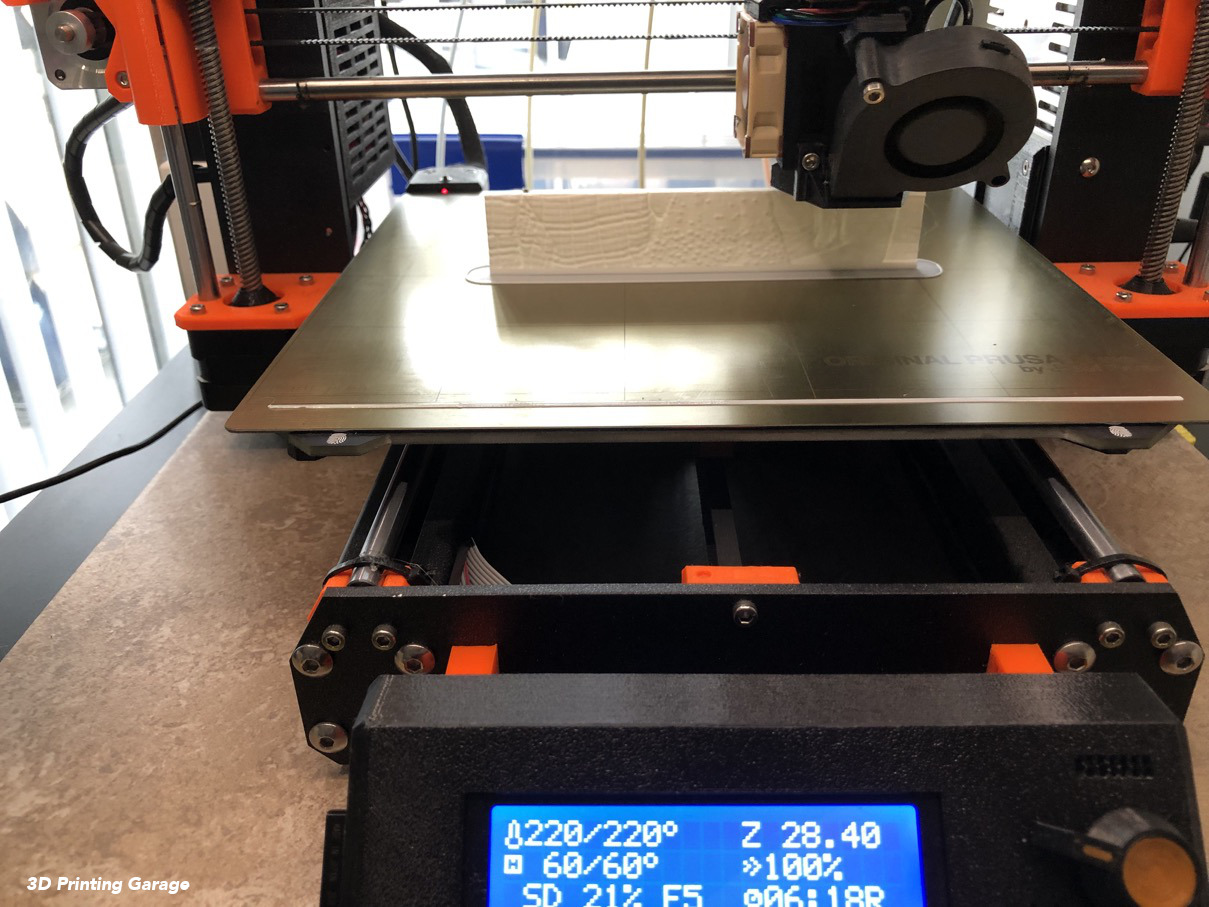
I saw some nice Lithophanes and I wanted to print one, but I couldn’t find a nice picture, which I wanted to print. Sure there a lots of nice pictures, but you need to think about a thing or two. Firstly it must be looking good in black-and-white. You will working with dark and bright parts of the picture. Secondly you need to know, how you want it. Do you want to be flat or curved or in other form? Thirdly you need an application, which turns your black-and-white photo or picture in STL-file.
In the article: “From 2D to 3D. How to turn a picture or a photo into a 3D model?” is an online app http://3dp.rocks/lithophane/ mentioned (, seen on 2019/05/08).
And it is very easy to use, you just upload your photo or picture (Button: Images), choose the way you wanted (flat, curved, …). I have uploaded a photo of my friends and wanted it flat, because I wanted also to make a little holder. In the Settings/Model Settings you can choose the size and other parameters. In the Settings Image Settings you need to choose positive or negative image. This is important, because the darker parts should be thicker in the model. I needed the “positive image”.
As I said bevore, I wanted to make also a holder for the photo, therefore I prepared the photo with some additional space below the photo bevore I uploaded it for making te STL-file.
For the printing I used 8 brim width and 2 loops in Slic3r.
And yes, I did make the mistake of the “negative image”. In my first print the darker parts were white :) But hey I’m learning.
Use the share button below if you liked it.