Recently I read an article about how to print a 3D puzzle yourself (seen on 2019/05/08): Create and print your own 3D jigsaw puzzles
But I had difficulties with number 3. to “Generate a puzzle cutter”. There you should download OpenSCAD and the script as well as edit parameters. I was thinking about an easier way and got help. You don’t need to download anything, just open the Puzzle Cutter Generator and choose your size of the print as well as the size of your puzzle pieces, after then you generate it. It takes a little time, depends on how big your puzzle will be. After this problem was solved for me, I need a new model. I have choose some flowers and a quote from Terry Pratchett.
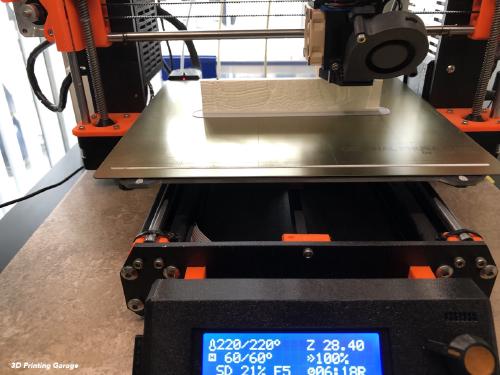
It was very exciting to see the model printing.

So much universe, and so little time. Terry Pratchett
But as you see, I wasn’t careful with the model.

I learned a couple of things.
First you need a good model. Because I wanted multicolor print, I should get the basic layer in one color and then starting with the multicolor. Second the hight of the print with 2 mm is ok, but it should be 3 or 4 mm. And third you need to look careful to your choosen size of jigsaw puzzles cutter. For the size of 15 cm to 10 cm print 24 puzzles are to much. On some parts of the jigsaw puzzles the space was to small.

Use the share button below if you liked it.